Keeping your gaming rig up to date often feels like a budget-draining marathon. New games constantly demand more horsepower. Yet, you don’t need to spend thousands on a new graphics card or CPU for a major performance boost. Significant improvements can come from smarter, more affordable upgrades.
Often, the biggest bottlenecks are the supporting components. These are relatively cheap and easy to swap out. This guide focuses on optimizing speed and system responsiveness. You can give your existing hardware a massive boost without breaking the bank.
Let’s breathe new life into your gaming experience. The first upgrade is a true game-changer.
If your PC still boots from a traditional Hard Disk Drive, you are missing out. A Solid State Drive uses flash memory, eliminating slow mechanical parts. This results in exponentially faster load times for everything.
Windows will boot in mere seconds. Your favorite games will load almost instantly. Annoying texture pop-in will virtually disappear from your gameplay.
You don’t need the fastest NVMe drive for a huge improvement. A budget-friendly SATA SSD is often the perfect sweet spot. Aim for 500GB or 1TB to store your OS and key games.
Next, consider your system’s memory. Many budget PCs are built with only 8GB of RAM. This was sufficient a few years ago, but modern gaming has changed.
Today’s games, plus background apps like Discord and Chrome, will quickly max out 8GB. This leads to system stuttering and frustrating frame rate drops. Upgrading your memory can eliminate these issues.
Doubling your memory to 16GB RAM provides stable frame rates in intensive games. It also allows for seamless alt-tabbing between applications. Your system’s overall responsiveness will improve dramatically.
Always buy RAM in matched pairs, like two 8GB sticks. This enables Dual-Channel mode on your motherboard. It nearly doubles the memory bandwidth for virtually the same price.
Look for speeds of at least 3200MHz for DDR4 memory. This is a crucial detail for getting the best performance. It’s a simple upgrade with a profound impact.
Now, let’s talk about heat. An overheating CPU will slow itself down to prevent damage. This process is called thermal throttling, and it kills performance.
The stock coolers included with many CPUs are often barely adequate. They can’t keep up during intense gaming sessions. Replacing yours is a cheap way to ensure your processor runs at full speed.
A good aftermarket CPU cooler leads to lower temperatures. This means consistent boost clock speeds and improved frame rates. Your PC will also run significantly quieter without that stock fan whine.
Look for a reliable, entry-level tower-style air cooler. Brands like Cooler Master offer great budget options. These provide far superior performance to the included stock coolers.
Your monitor is your window to the game world. Your PC might generate 100 frames per second, but a standard 60Hz monitor only shows 60 of them. You are missing a smoother visual experience.
Upgrading to a high refresh rate monitor makes every game look and feel better. It immediately eliminates motion blur and screen tearing. The result is a buttery-smooth visual experience that improves gameplay responsiveness.
Target an entry-level 1080p 144Hz monitor for the best budget impact. The jump from 60Hz to 144Hz is incredibly noticeable. Many argue this upgrade is more impactful than raising your in-game graphics settings.
Finally, don’t overlook the free and nearly free optimizations. Dust is an insulator that traps heat inside your case. Old thermal paste dries out and loses its effectiveness.
Good cable management improves airflow dramatically. Better airflow keeps all your components cooler. This simple step helps prevent thermal throttling across the board.
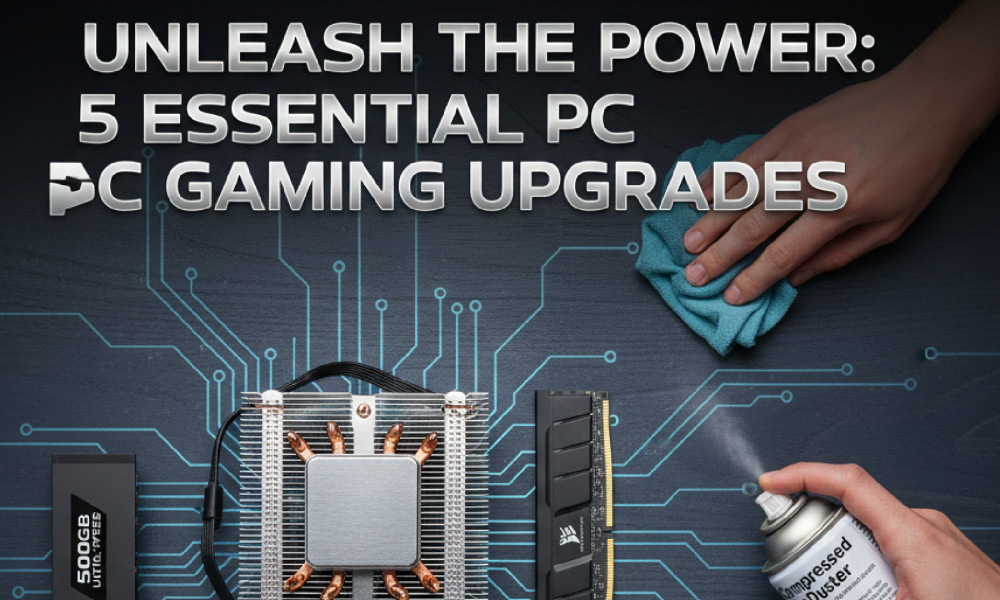
Take an afternoon to clean the dust from your case and fans. Use a can of compressed air for the best results. It’s a simple maintenance task with immediate benefits.
For just a few dollars, you can replace the thermal paste on your CPU. This restores efficient heat transfer to the cooler. It can immediately restore performance that was lost over time.
By focusing on these five key areas, you can transform a sluggish PC. You will create a responsive and powerful gaming machine. All of this is possible without investing in the two most expensive components.